

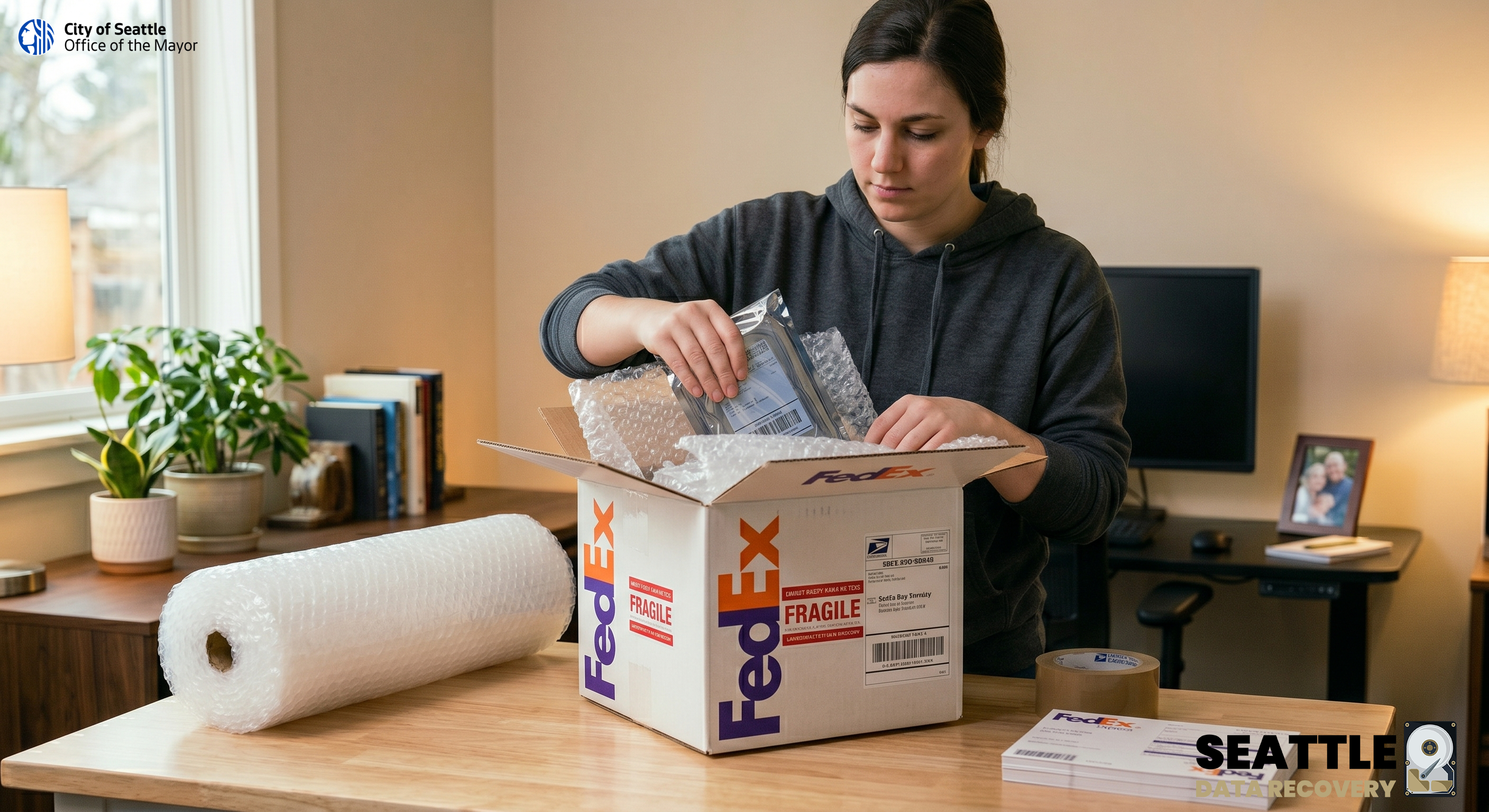
How to Ship Your Hard Drive to Seattle Data Recovery via FedEx
To safely ship a hard drive to Seattle Data Recovery, start by placing the drive in an anti-static bag (or a Ziploc bag) to prevent static damage. Wrap the drive securely in at least 2 inches of bubble wrap on all sides, and place it snugly in a sturdy, corrugated cardboard box.
Step 1: Prepare and Measure Your Shipment
-
Include Details: Write down your contact information (name, phone number, email, and return address) and a brief description of the issue. Place this paper inside the box before sealing it.
-
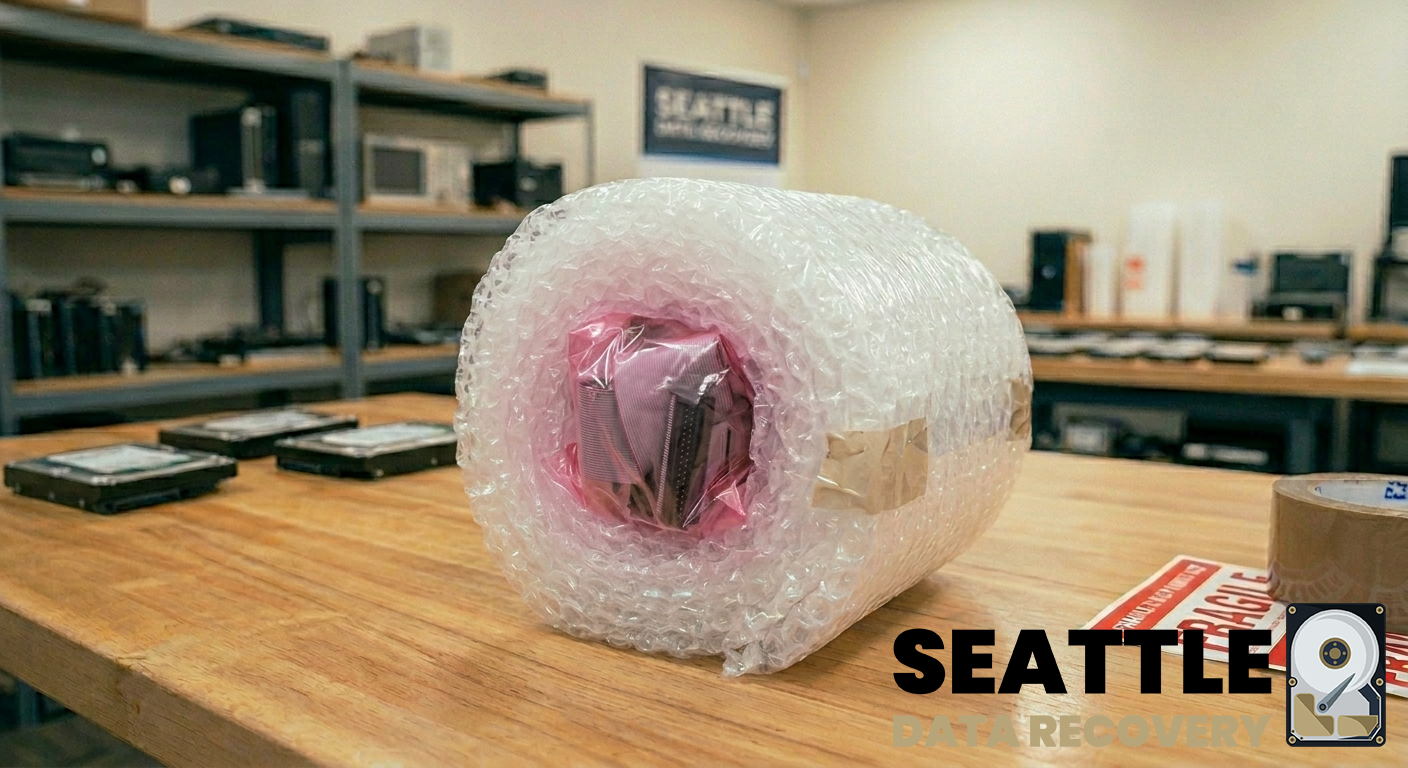
Anti-Static Protection: Place your drive inside a pink or silver anti-static bag. If you do not have one, a tightly sealed plastic freezer bag can be used as a temporary alternative.
-
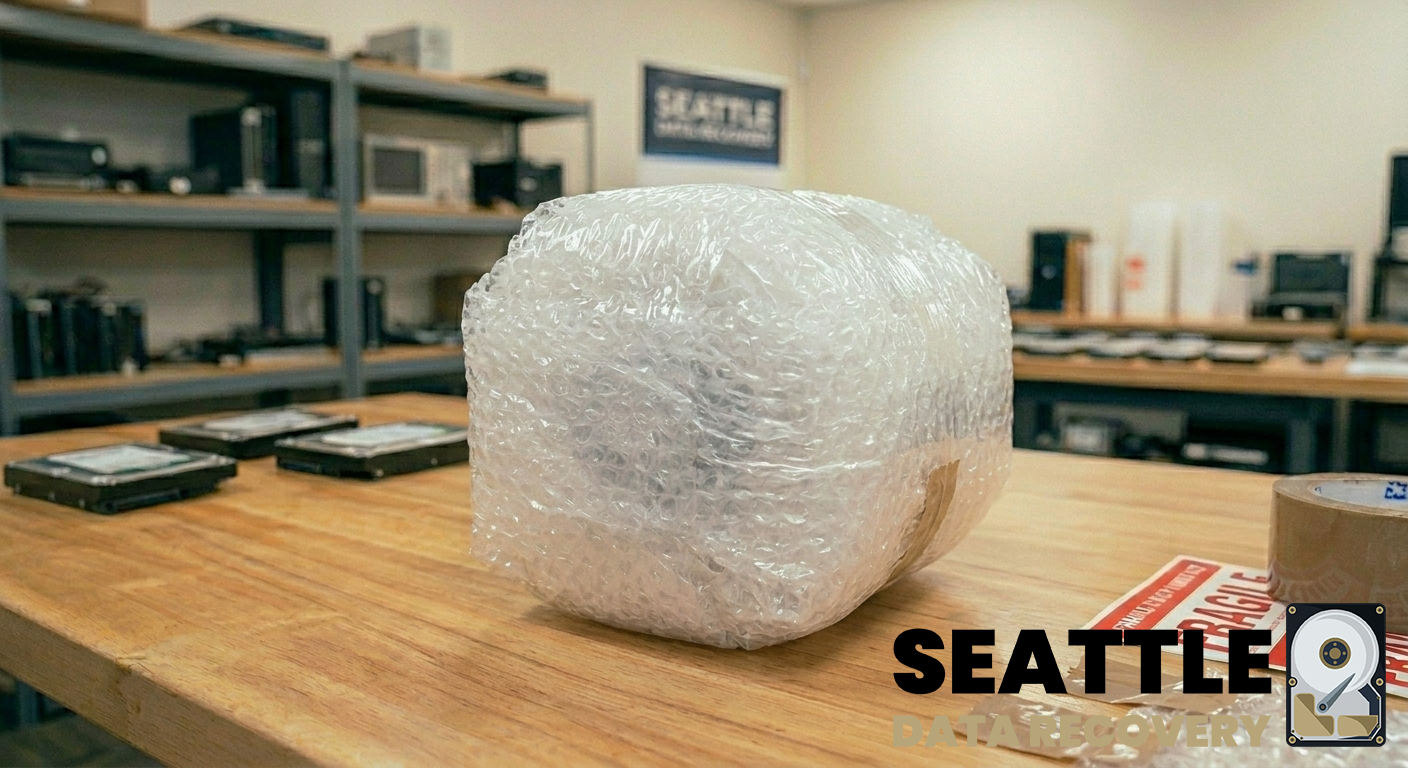
Cushioning: Wrap the device securely in 2 to 3 inches of bubble wrap on all sides. Tape the bubble wrap so it does not unravel. Do not use packing peanuts, air pillows, or crumpled newspaper, as they shift during transit and leave delicate electronics unprotected.
-
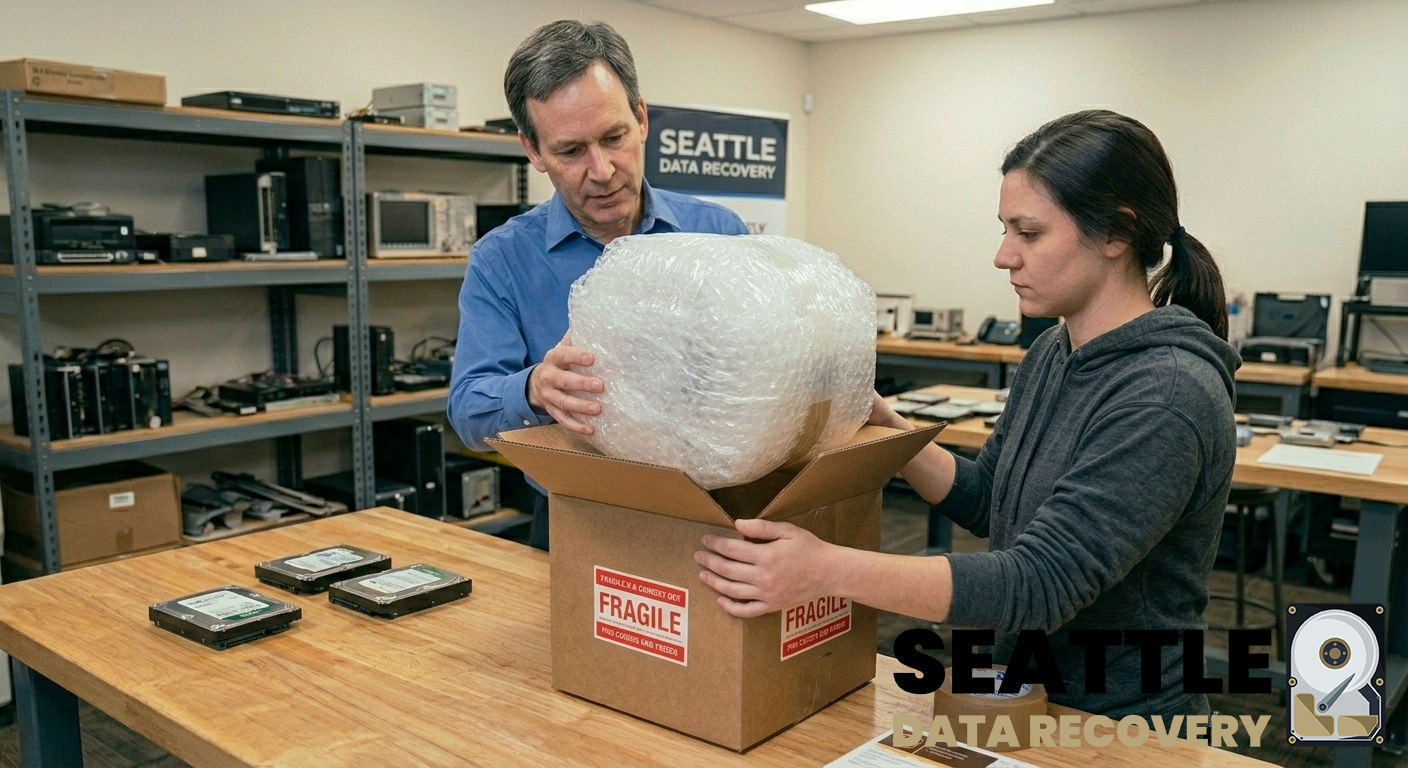
Box It Up: Place the cushioned drive into a rigid, corrugated cardboard box. Fill any remaining space with extra bubble wrap so the drive is completely immobilized and cannot shake.
-
Include Your Details: Print or write your name, email, phone number, "contact information", and a brief description of the data loss issue on a piece of paper and place it inside the box before sealing it shut with heavy-duty packing tape.
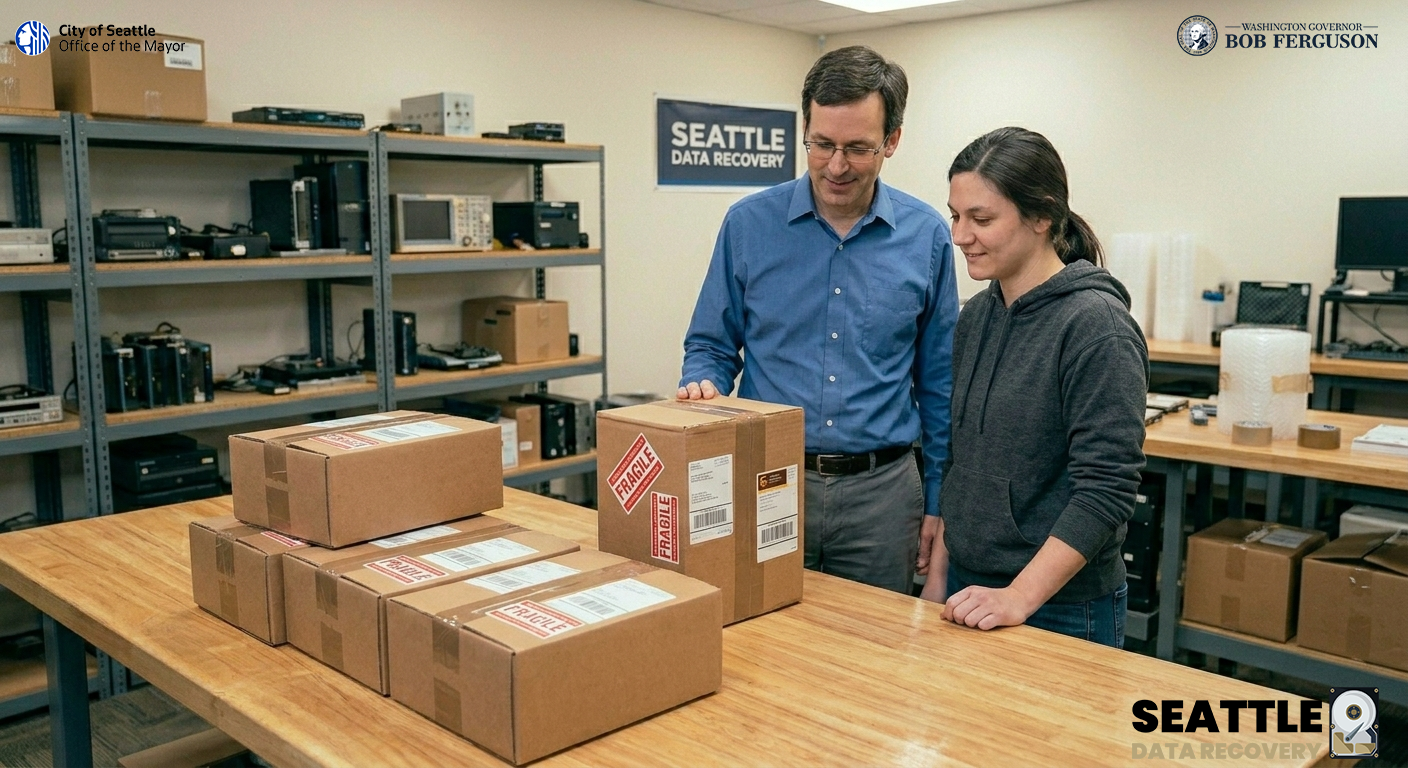
- Mark Package as Fragile: Use Fragile stickers on all sides of your package to warn the carrier during shipping that the package contains a fragile piece of equipment.
-
Weigh and Measure: Weigh your package and measure its dimensions using a tape measure and a scale.
Step 2: Create a FedEx Shipping Label
To ship a package from home with FedEx, pack your items and weigh them, create a shipping label online, and either schedule a doorstep pickup or drop the package off at a nearby location. You don't even need a printer; you can have FedEx print the label for you.
-
Go to the online FedEx Ship Center or open the FedEx mobile app.
-
Enter the sender and receiver's addresses, along with your package's weight and dimensions. Please direct your package to our facility at 1455 NW Leary Way, Suite 400, Seattle, WA, 98107, USA.
-
Select your preferred shipping service. For sensitive hardware, select FedEx Priority Overnight or FedEx 2Day to minimize transit time and reduce the risk of vibration damage.
-
If you have a printer: Seal the box securely using heavy-duty packaging tape. Print the label and securely tape it to the largest side of your box. Print your FedEx shipping label and affix it securely to the outside of the box.
-
If you don't have a printer: Select the option to get a Mobile QR Code.
Step 3: Send and Notify the Lab
You can have a driver come to you or drop it off yourself:
-
Schedule a Pickup: You can arrange an on-call pickup while making your label online or through the FedEx Schedule a Pickup portal.
-
Visit a Drop-Off Point: Take the package to your nearest FedEx Office or a certified FedEx Ship Center to ensure it's handled safely. Alternatively, you can use the FedEx Location Finder to find a drop box or retail partner. Take your printed package (or your QR code and unlabelled box) to a nearby location.
-
Contact Us: Before finalizing the shipment, it's a good idea to reach out to the lab directly to log your case. You can call our Seattle office at 1 (425) 406-1174.








