Call 1 (425) 406-1174 to start a Data Recovery!
Mac Pro
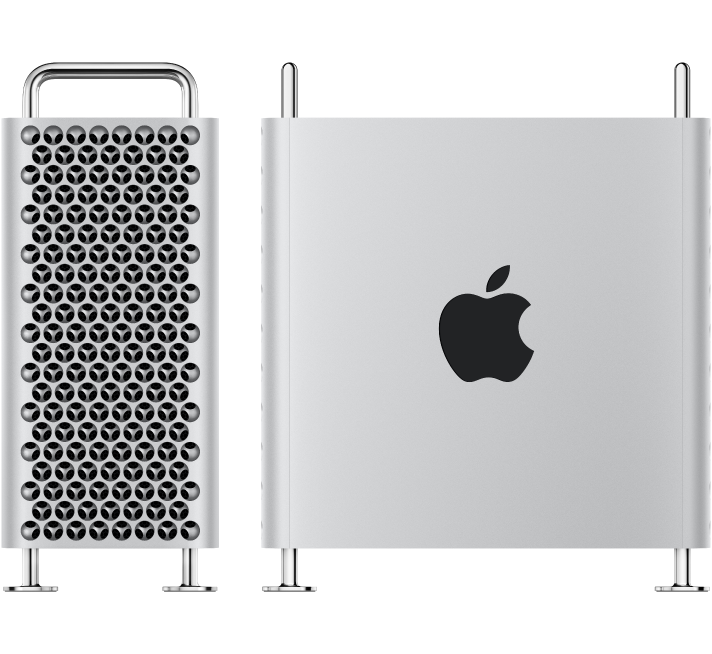
Advanced Engineering Protocols: Mac Pro Tower Data Recovery
Recovering data from an Apple Mac Pro Tower depends entirely on the machine’s generation. Because the Mac Pro is Apple’s flagship workstation for film editors, audio engineers, and data scientists, a failure usually involves high-capacity storage arrays, complex RAID configurations, or hardware-encrypted modern logic boards.
At Seattle Data Recovery, we treat Mac Pro data loss at a component engineering level. Standard data recovery apps cannot handle modern Apple security systems or complex multi-disk failures. Our laboratory uses specialized hardware imagers and micro-soldering stations tailored to Apple’s APFS (Apple File System) and hardware encryption engines.
The Three Architecture Eras of Mac Pro Storage
To safely extract your files, our engineers must first identify which generation of the Mac Pro Tower you are running:
1. Modern Apple Silicon Era (Mac Pro M2 Ultra and Newer: 2023–Present)
- The Architecture: The modern Apple Silicon Mac Pro Tower looks like a modular desktop, but its storage architecture is highly integrated. It utilizes proprietary Apple Storage Modules that slide into specific slots on the motherboard. However, these modules do not contain standard standalone SSD controllers. The actual flash memory controller is built directly into the M-series Ultra CPU, which automatically encrypts all data using hardware-bound AES-256 keys.
- The Recovery Protocol: If the Mac Pro Tower is completely dead due to a massive power surge or liquid damage, moving the storage modules to a different Mac Pro will fail. The data is cryptographically tied to that specific motherboard's CPU. Seattle Data Recovery must perform component-level motherboard repair. Under high-powered microscopes, our micro-soldering engineers isolate and replace shorted capacitors, blown power lines, or fried Power Management ICs (PMICs) to stabilize the original board. This allows the CPU to boot, decrypt its own storage modules, and safely export the data.
2. The Intel Modular SSD Era (Mac Pro "Cheese Grater" Tower: 2019–2023)
- The Architecture: These high-end Intel-based towers use custom Apple flash storage blades. Much like the Apple Silicon era, these blades lack independent controllers; instead, they are cryptographically paired and managed by Apple’s onboard T2 Security Chip.
- The Recovery Protocol: If a catastrophic electronic failure prevents the board from turning on, our engineers must perform a delicate Cryptographic Chip Transplant. We cleanly desolder the original CPU, the T2 chip, and the flash storage chips from the damaged motherboard, reball them, and transplant the entire interconnected group onto a functional donor board to restore the encryption path.
3. Legacy Intel Towers (Mac Pro "Trash Can" 2013 and Classic Towers 2006–2012)
- The Architecture:
- 2013 "Trash Can" Cylinder: Uses a single, proprietary removable Apple PCIe SSD blade.
- Classic Silver Towers (Dual-Processor): Features four internal 3.5-inch SATA hard drive bays, often configured by professional editors into internal RAID 0 (Striped) or RAID 5 arrays for speed.
- The Recovery Protocol:
- Removable SSDs: We extract the proprietary blade and place it into specialized hardware imagers (like the DeepSpar or PC-3000) that can directly manage degrading flash sectors.
- Multi-Drive RAID Arrays: If one or more mechanical drives inside a classic tower fail or start clicking, we perform physical micro-surgery inside our ISO 5 Cleanroom using exact matching donor heads or spindle motors. Once all individual drive members are cloned, our engineers manually extract the raw metadata layout, realign the block sizes, and virtually reconstruct the striped array to safely export your project files.
Critical Protocol for Mac Pro Operators Facing Failure
If your Mac Pro Tower suddenly drops a high-capacity drive array, flashes a Question Mark Folder, or refuses to power on during a critical deadline, your immediate actions are vital:
- Do Not Attempt an Automatic RAID Rebuild: If an internal multi-drive array degrades or a drive starts clicking, do not force an automated software rebuild. The extreme stress of a rebuild will often cause a secondary, aging drive in the array to fail mechanically, destroying the data permanently.
- Cut Power to Clicking Units Instantly: If you hear a physical clicking, ticking, or grinding noise coming from the tower's drive bays, shut down the system immediately. Forcing a mechanically failing hard drive to spin allows the broken heads to scrape the magnetic film off the platters, turning your data into unrecoverable dust.
- Avoid Destructive System Utilities: Running automated disk checkers like Disk Utility's First Aid or terminal directory repairs on an unstable APFS volume can accidentally overwrite ghost remains of your original partition maps.
- Details
- Written by: Seattle Data Recovery
- Category: Mac Pro
During the era of the classic aluminum tower Mac Pro (2006–2012), Apple sourced standard 3.5-inch SATA hard drives from major storage manufacturers. These drives were equipped with custom Apple firmware (noted by an Apple logo and an Apple part number on the drive label) to manage specialized Mac temperature sensor logic.
Below are the prominent factory mechanical hard drive models used natively across those generations.
The earliest configurations (Mac Pro 1,1 through 3,1) typically shipped with these lower-capacity hard drives as the default boot drive:
- Seagate Barracuda 7200.9 / 7200.10:
- Model: ST3160812AS (160GB, SATA 3Gb/s, 7200 RPM)
- Apple Part Number: 655-1315D
- Western Digital Caviar SE16:
- Model: WD2500AAJS or WD2500AAKS (250GB, 7200 RPM)
- Hitachi Deskstar T7K250 / 7K500:
- Model: HDS722525VLAT80 (250GB) or HDT725025VLA380 (250GB)
As the line advanced through the Mac Pro 3,1 (2008) and Mac Pro 4,1 (2009) revisions, standard base capacities rose:
- Western Digital Caviar Blue / Black:
- Model: WD5000AAKS (500GB, 7200 RPM, 3Gb/s SATA)
- Apple Part Number: 655-1360F
- Western Digital Caviar SE16 (640GB):
- Model: WD6400AAKS (640GB, 7200 RPM)
- Seagate Barracuda 7200.11 / 7200.12:
- Model: ST1000DM003 (1TB, 7200 RPM, SATA 6Gb/s used in later production batches)
- Apple Part Number: 655-1724F
Apple offered these massive configurations natively or via Build-To-Order (BTO) kits for the Mac Pro 4,1 and 5,1 high-end editing workstations:
Hitachi Deskstar 7K2000 / 7K3000
- Model: HDS722020ALA330 (2TB, 7200 RPM, 32MB Cache)
Seagate Barracuda XT / Desktop HDD
- Model: ST3000DM001 (3TB, 7200 RPM, 64MB Cache)
- Apple Part Number: 655-1726H
Western Digital Caviar Black (2TB)
- Model: WD2001FASS (2TB, 7200 RPM, dual processor architecture)
If you are trying to identify a specific failed drive or source a modern replacement that fits into the factory Mac Pro drive sleds without needing structural modifications, let me know the year of your machine!
- Details
- Written by: Seattle Data Recovery
- Category: Mac Pro
- Exact Model: HDS722525VLAT80 / HDT725025VLA380
- The Breakdown: Inheriting the engineering remnants of IBM's storage division, these Hitachi drives were remarkably fast for their time but suffered from historic engineering architecture flaws.
- Common Failures:
- Thermal Recalibration Delays: The drive pauses operations for extended periods to recalibrate its heads due to internal heat changes. macOS often interprets this delay as a disconnected disk, dropping the drive from the desktop entirely.
- Details
- Written by: Seattle Data Recovery
- Category: Mac Pro
Between 2008 and 2010, storage demands surged. Apple began standardizing larger capacities to accommodate creative professionals working with HD video and heavy audio tracks.
- Exact Model: WD5000AAKS (7200 RPM, 16MB Cache)
- APN: 655-1360F
- The Breakdown: Known for higher performance, the dual-processor variants (Black) were commonly deployed in high-end Build-To-Order Mac Pros.
- Common Failures:
- Head Degradation: The read/write heads gradually lose their magnetic sensitivity. It starts with incredibly slow read speeds and ends with an unmountable volume in Disk Utility.
- Firmware Lock: The drive’s microcode zone on the platter becomes corrupted, causing the drive to misidentify itself to the Mac Pro motherboard as a 0MB drive.
- Details
- Written by: Seattle Data Recovery
- Category: Mac Pro
Because Apple's internal upgrade kits require technical pairing procedures, many modern Mac Pro users choose to leave their factory Apple SSD modules alone to run the core operating system, expanding their storage via the tower's open PCIe slots instead.
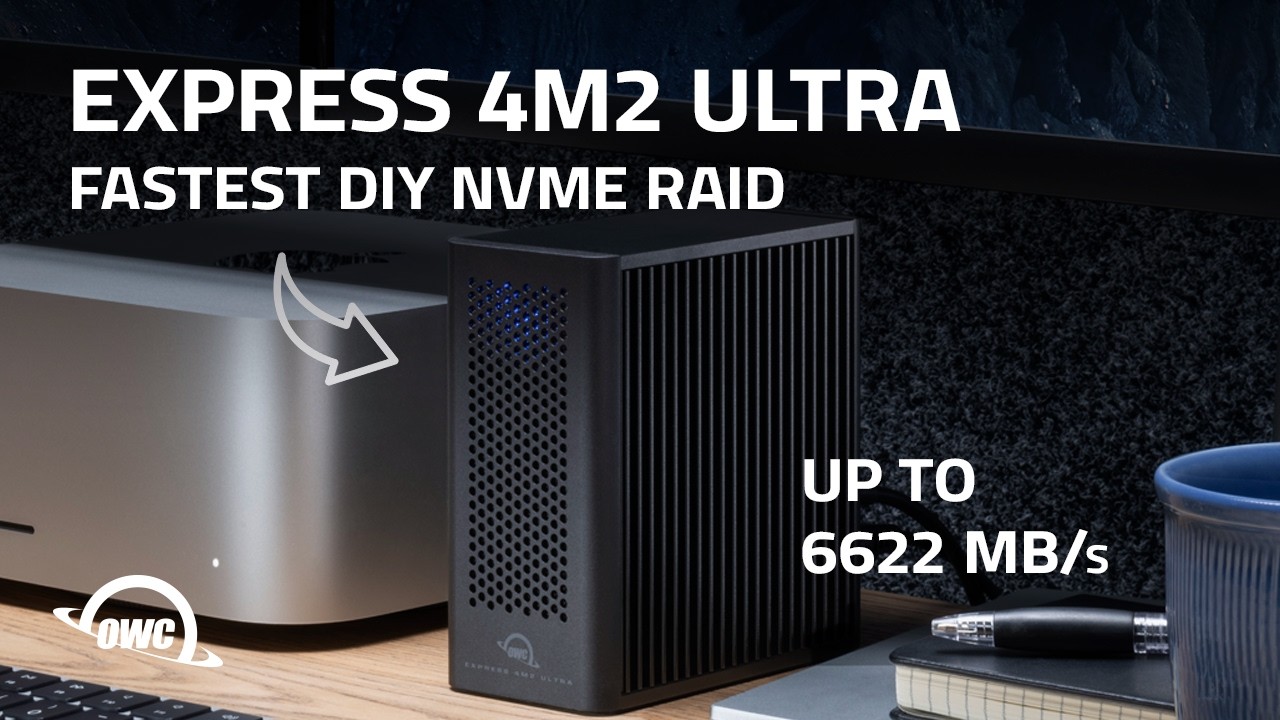
Using standard PCIe carrier cards—such as the OWC Accelsior 8M2 or Sonnet M.2 4x4 PCIe Card—professionals install standard, off-the-shelf consumer M.2 NVMe SSDs (like the Samsung 990 Pro or Western Digital Black SN850X). These third-party drives bypass Apple’s proprietary secure controller entirely, running on native macOS NVMe drivers to deliver lightning-fast scratch disk storage without any DFU restrictions.
- Details
- Written by: Seattle Data Recovery
- Category: Mac Pro
- Common Component Identifiers: APPLE SSD TS0512M, TS1024M, TS2048M, TS4096M, TS8096M
- Interface Generation: Proprietary PCIe 3.0 x4 (2019) / PCIe 4.0 x4 (2023) Custom Blade
- Architectural Deployment: Mac Pro (2019 / 2023) Build-To-Order High-Capacity Options (2TB to 8TB)
The Design Architecture
For professionals ordering massive storage capacities directly from the factory, Apple deployed high-density modules manufactured in partnership with Toshiba (now Kioxia) using BiCS FLASH 3D NAND technology. In the 2023 Apple Silicon Mac Pro, the layout remained physically identical to the 2019 modules, but the underlying system architecture shifted dramatically. The storage modules bypass a standalone security chip and tie directly into the M2 Ultra Storage Controller, upgrading the bus interface speed to high-bandwidth PCIe 4.0.
Known Operational Characteristics & Vulnerabilities
- High Thermal Density: Because these modules pack up to 4TB of raw flash cells onto a singular small PCB, they generate noticeable heat under heavy, sustained 8K video editing or massive database operations. They rely completely on the Mac Pro tower's large internal intake fans to draw heat across their integrated black heat spreaders. If the machine is run in an environment with restricted airflow, thermal throttling can occur, drastically reducing write performance.
- DFU Recovery Requirements during Upgrades: If a user purchases an aftermarket retail upgrade kit from Apple to swap out their modules, the Mac Pro cannot boot or format them natively. The tower must be physically connected to a second Mac via a USB-C cable and placed into DFU Mode using Apple Configurator to pair the Kioxia flash hardware with the host machine's secure processor.