

Call 1 (425) 406-1174 to start a Data Recovery!
Solid State Drive (SSD) Repairs
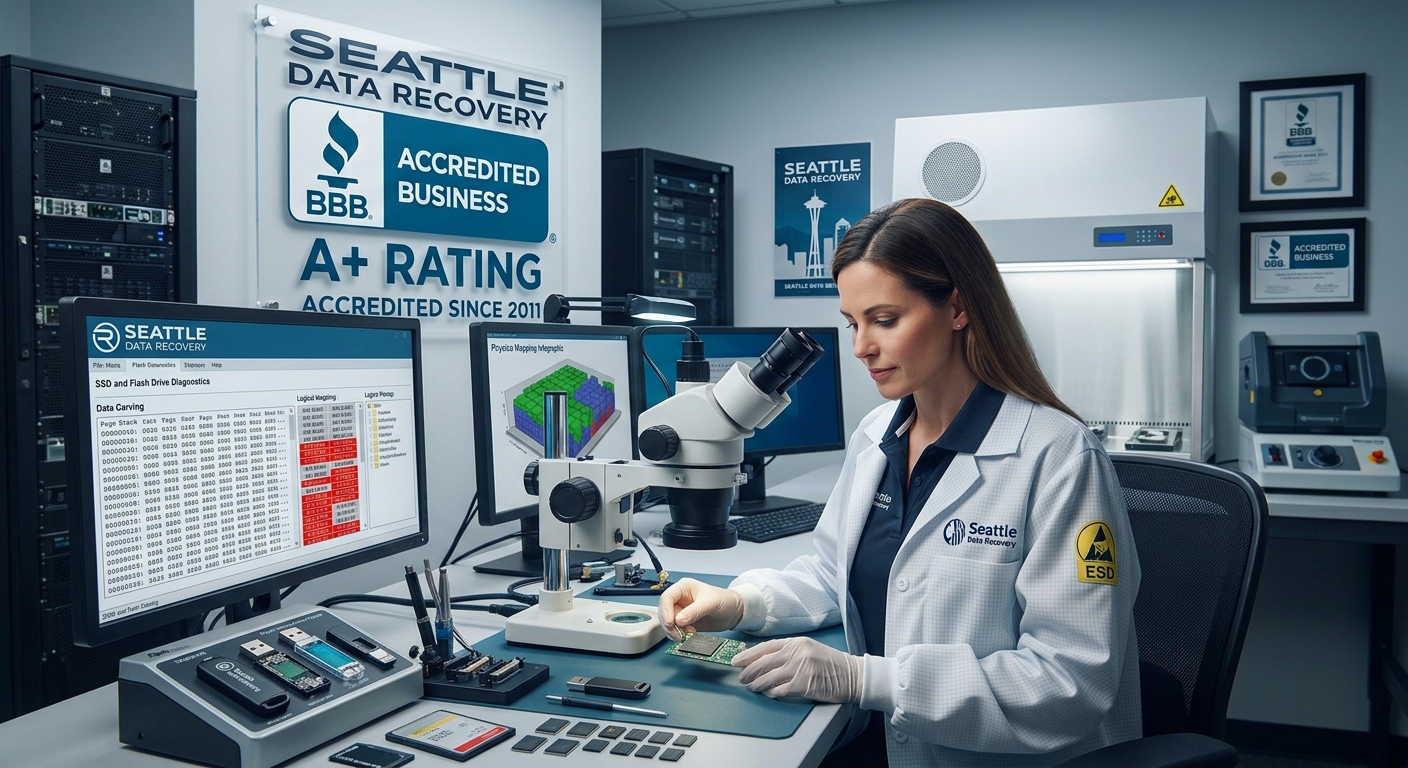
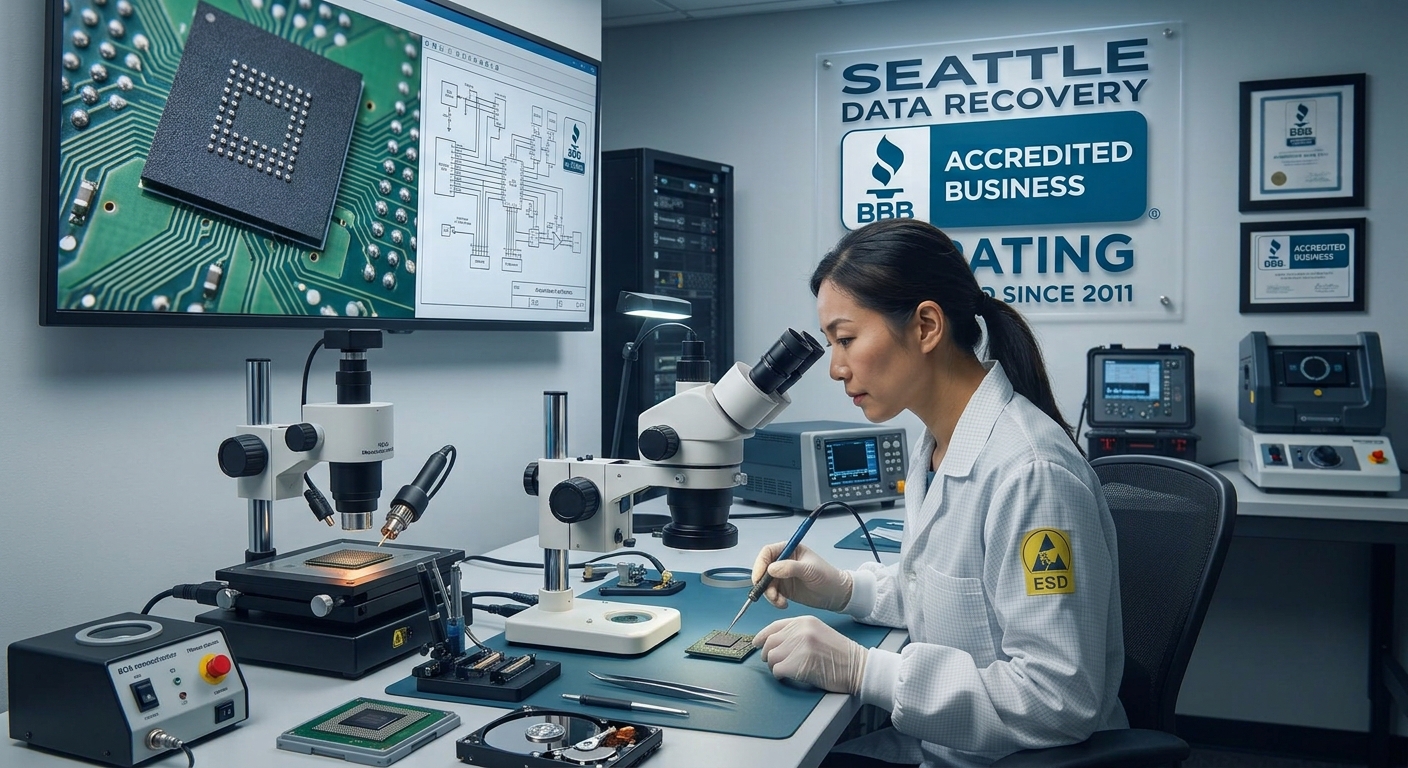
Understanding the Chip-Off Method
The Laboratory Workflow:
- Precision Desoldering: The damaged board is mounted under an industrial microscope. Using infrared BGA (Ball Grid Array) rework stations or high-end hot-air tools, the engineer heats the board to the exact solder melting point without overheating the sensitive silicon inside the memory chip.
- Safe Extraction: Using specialized micro-prying tools, the engineer lifts the NAND flash chip away from the dead circuit board.
- Chemical Cleaning & Reballing: Residual factory adhesive and oxidized solder are meticulously cleaned from the chip's microscopic contact pads using chemical solvents. If necessary, the chip is "reballed" with fresh solder spheres to ensure perfect electrical connectivity.
- Direct Hardware Reading: The isolated NAND chip is placed into a specialized physical socket adapter connected to a raw memory reader, completely bypassing the original device architecture.
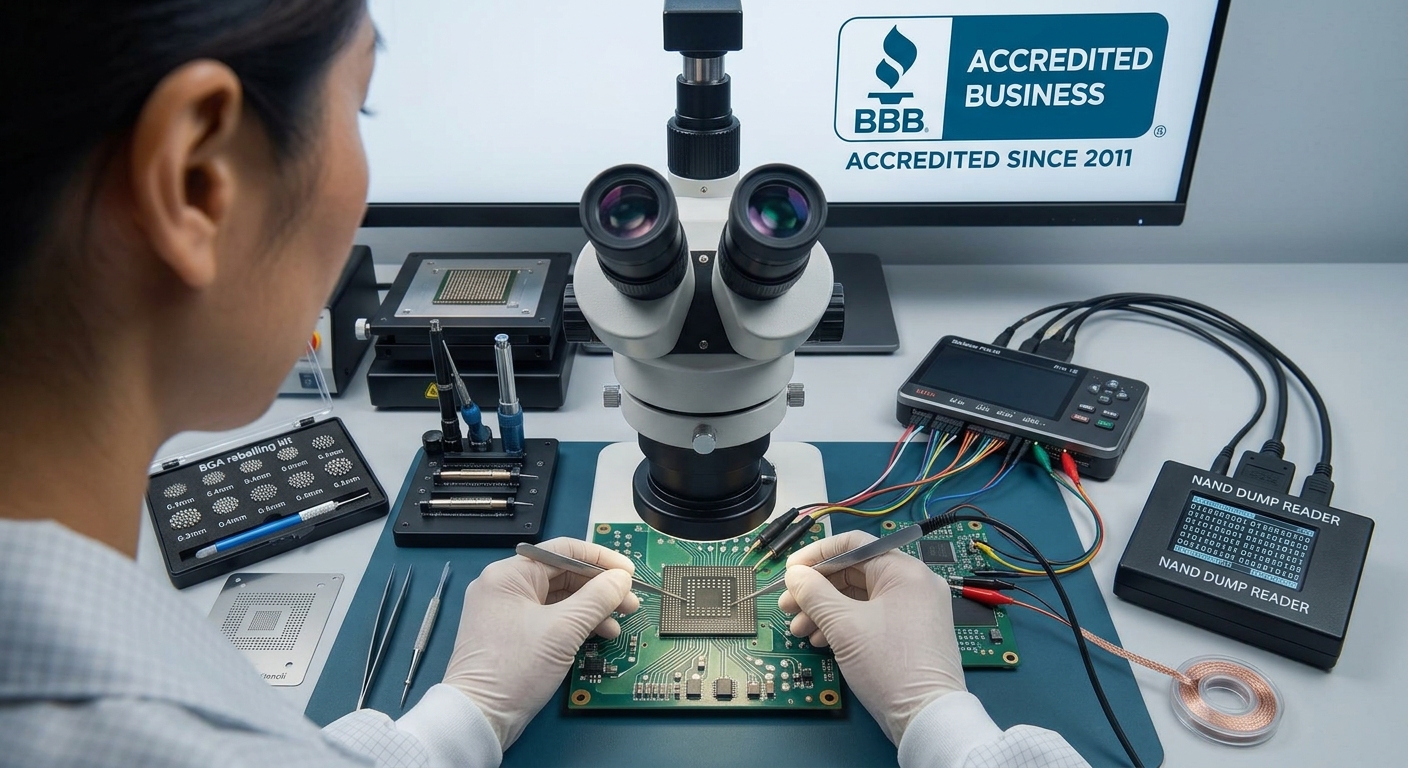
The Art of Bypassing the Controller
- Bypassing XOR Scrambling: To protect the memory and ensure high performance, controllers "scramble" data using unique mathematical XOR patterns. The recovery specialist must identify the exact algorithm used by that specific controller brand (e.g., Silicon Motion, Phison, Marvell) and apply a reverse pattern to unscramble the data.
- Reconstructing Bad Block Management: Flash memory naturally degrades. The controller constantly moves data out of failing blocks and hides them from the operating system. Engineers must manually reconstruct these map tables so files don't end up with random, corrupted gaps.
- Emulating Wear Leveling (The Page Allocation Table): Controllers do not save files in a straight line; they scatter pieces of a single file across multiple physical chips to prolong the drive's lifespan. Bypassing the controller means manually calculating the "logical block address" (LBA) to stitch the scattered pieces of your databases, videos, or records back into their original, perfect file structures.
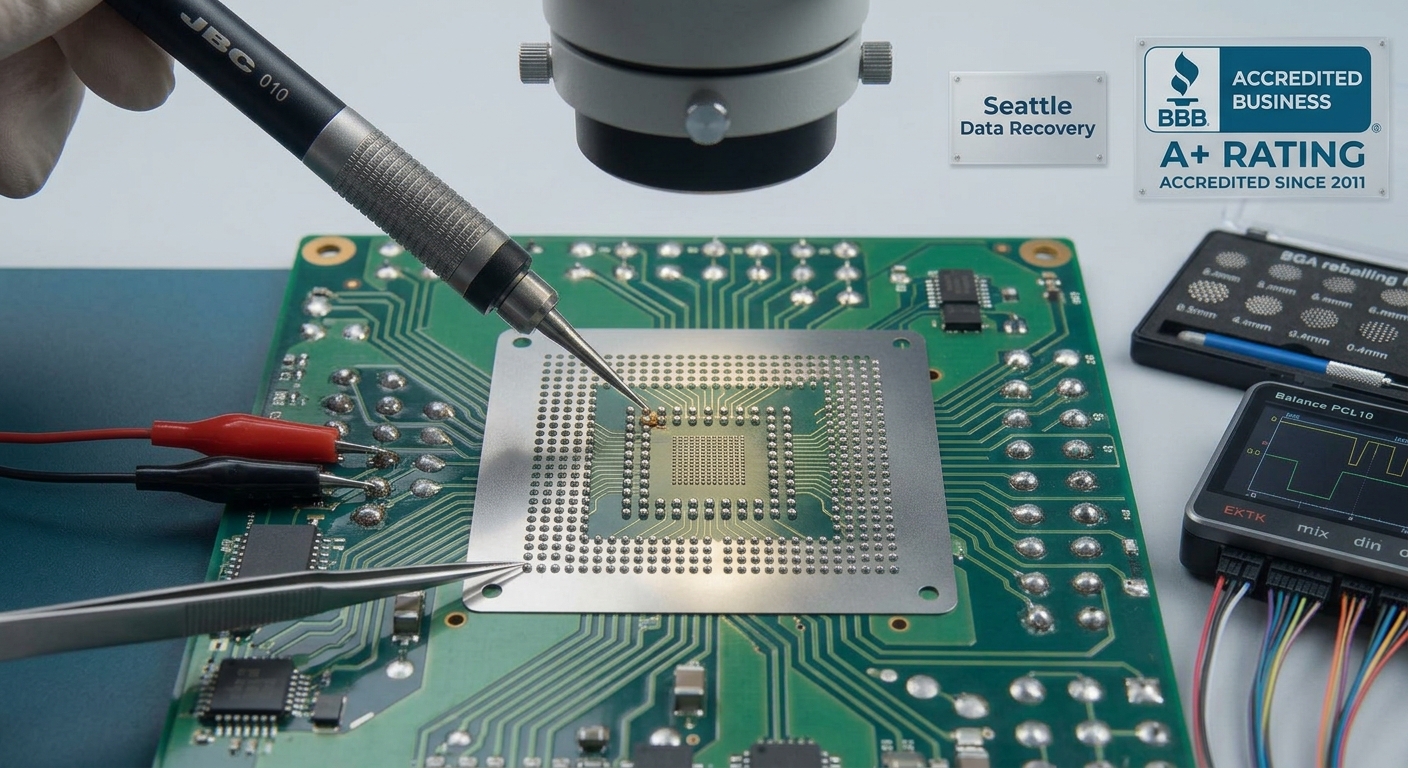
The Hardware Encryption Challenge: Apple Silicon & Modern NVMe
- Details
- Written by: Seattle Data Recovery
- Category: Solid State Drive (SSD) Repairs
The Critical Role of Firmware in Enterprise Storage Solutions
In today's data-driven world, enterprise storage solutions like Dell Western Digital enterprise SSDs are vital to maintaining seamless business operations. These drives serve as the backbone for hosting critical applications, databases, and large-scale data repositories. Consequently, their optimal functioning is essential to avoid costly downtime and data loss.
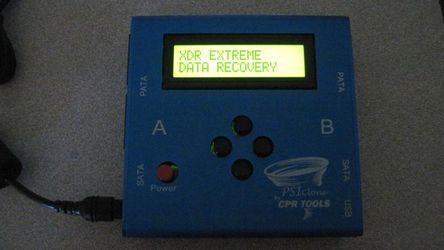
Firmware corruption remains a significant challenge impacting the reliability of storage devices. Firmware acts as the "brain" of SSDs—controlling how data is read, written, and managed internally. When firmware becomes corrupted, it can cause disastrous effects, including inaccessibility, drive failure, and complete data loss. At Seattle Data Recovery, we understand the importance of maintaining firmware integrity, which is why we utilize advanced tools such as CPR Flash and PSIClone to provide expert firmware repair and updates for enterprise SSDs.
Understanding Firmware Corruption in Dell Western Digital Enterprise SSDs
Firmware corruption in Dell Western Digital enterprise SSDs can occur due to several reasons, including power failures, improper updates, malware attacks, or hardware aging. When the firmware becomes corrupted, the SSD may exhibit symptoms such as inaccessible stored data, drive errors, or outright failure, effectively rendering the drive unusable. This situation can be catastrophic for organizations relying heavily on consistent data access and storage.
Beyond individual drives, corrupted firmware can have broad network implications. If such a drive is used in critical server infrastructure, its failure can trigger application outages, system downtime, and data unavailability. These challenges can cascade through an organization's network, causing financial losses and reputational damage—making firmware repair a top priority for IT professionals.
Seattle Data Recovery specializes in restoring affected drives by performing precise firmware repair, thereby preventing further damage and ensuring vital data remains accessible. Our expertise lies in diagnosing firmware issues and applying targeted updates with proven tools like PSIClone and CPR Flash, restoring your enterprise SSDs to their optimal state.
The Impact of Firmware Corruption on Business Operations
The consequences of firmware corruption extend far beyond the failed drive. When enterprise SSDs become unusable, organizations experience significant operational disruptions. Critical applications that rely on fast, reliable storage become inaccessible, resulting in system crashes, data unavailability, and potential financial burdens due to downtime.
System failures caused by firmware-related issues often trigger costly recovery procedures. For example, data recovery efforts may be necessary if data integrity has been compromised, and rebuilding affected systems can take days or even weeks. This downtime hampers productivity, impacts customer satisfaction, and risks losing a competitive advantage.
Preventing firmware corruption or addressing it promptly through expert firmware repair is essential for maintaining business continuity. Seattle Data Recovery utilizes advanced diagnostic tools and firmware update techniques, employing PSIClone and CPR Flash, to ensure that enterprise SSDs function smoothly with minimal downtime.
The Role of CPR Flash™ in Firmware Management and Updates
CPR Flash™ is a vital utility designed to facilitate the flashing and updating of firmware for CPR Tools' devices, such as PSIClone, Hammer, SCSI Hammer, and Sledge Hammer. Developed by CPR Tools, this utility ensures precise and reliable firmware updates, which are critical for maintaining the stability of data recovery and repair equipment.
Installing CPR Flash™ involves integrating it into the CPR Tools Utilities Suite, which is provided with each of their devices. Once installed, it enables technicians to perform firmware flashing with confidence and accuracy. The process involves only a single device connected via USB during updates, thereby minimizing the risk of errors. This tool has revolutionized firmware management by making updates more straightforward, faster, and safer, especially during complex firmware repairs of enterprise SSDs affected by corruption.
Seattle Data Recovery relies heavily on CPR Flash™ during firmware repair procedures, particularly when restoring Dell Western Digital enterprise SSDs. Our technicians utilize this tool for precise firmware flashing, reducing the risk of further corruption and ensuring that devices operate as intended. The utility's reliability makes it a mainstay in our enterprise data recovery toolkit.
The Process of Firmware Updating with CPR Flash™
The procedure of updating firmware using CPR Flash™ is straightforward but requires meticulous attention to detail. Once the utility is launched, the user is presented with a clear interface displaying connected devices. During the process, only one CPR Tools device—whether it is a PSIClone, Hammer, or another—is connected via USB to avoid confusion and ensure integrity.
First, technicians verify the current firmware version and identify if an update is necessary. Then, the firmware file is selected, and the update process commences. Throughout this process, CPR Flash™ ensures that the firmware is correctly flashed onto the device with minimal risk of corruption or failure. Post-update, technicians verify the operation's success before disconnecting the device.
At Seattle Data Recovery, we follow strict protocols to ensure firmware updates are completed successfully. By doing so, we restore functionality to SSDs that have suffered from firmware corruption caused by faulty updates or malware. Using CPR Flash™ guarantees that each update is performed with precision, reducing the likelihood of recurring issues.
Unlocking Your Digital Life: The Ultimate Guide to Common Data Recovery Needs and Popular SSD Models
- Details
- Written by: Seattle Data Recovery
- Category: Solid State Drive (SSD) Data Recovery
The Hidden Crisis – Why Seattle Data Recovery Matters Now More Than Ever
In today's fast-paced digital world, data loss can strike without warning, leaving you vulnerable. Whether it's important work documents, cherished family photos, or critical system files, losing data can feel devastating. That's where Seattle Data Recovery steps in—ready to retrieve what you thought was gone forever. From casual user mishaps to complex hardware failures, understanding common data recovery needs is essential.
Don't wait until disaster drops on your doorstep. Knowing the typical scenarios leading to data loss empowers you to act decisively and minimize damage. With the right knowledge and trusted recovery services, your data doesn't have to disappear into the digital void.
Common Data Recovery Needs You Can't Ignore
Accidental deletion or formatting is the most frequent cause of lost files. People often empty their Recycle Bin or reformat drives, thinking data is gone, but Seattle Data Recovery experts can still revive those files. Moreover, failing or crashed hard drives, both HDDs and SSDs, create urgent situations demanding immediate attention.
Beyond hardware, corrupted operating systems or malware attacks can scramble your data, rendering it inaccessible. Photos and videos lost from SD cards or phone memory are heart-wrenching losses that professionals can often restore. Even advanced RAID, NAS, or server system failures fall within the scope of most recovery services.
- Details
- Written by: Seattle Data Recovery
- Category: Solid State Drive (SSD) Data Recovery
Unlocking Data Salvation in Washington State
In today's digital landscape, Samsung 970 EVO Plus solid-state drives (SSDs) represent a pinnacle of performance and reliability for professionals and consumers alike. Yet, despite their robust engineering, these SSDs sometimes suffer critical failures that jeopardize valuable data. This is where Seattle Data Recovery steps in as a beacon of hope for Washington State users, offering advanced recovery services tailored specifically for difficult cases involving Samsung 970 EVO Plus drives.
By leveraging cutting-edge technology and deep forensic knowledge, Seattle Data Recovery restores complete folders and file directories even under the most challenging conditions. This blog post explores the complexities, challenges, and solutions surrounding Samsung 970 EVO Plus SSD recoveries and highlights why entrusting your data to Seattle Data Recovery makes all the difference.
Understanding the Samsung 970 EVO Plus SSD
The Samsung 970 EVO Plus stands out due to its NVMe interface, exceptional read/write speeds, and efficient architecture. These features make it a preferred choice for high-demand computing environments, including creative professionals, gamers, and enterprises.
These state-of-the-art capabilities are paired with unique technical challenges. The intricate firmware, proprietary data management algorithms such as wear-leveling, and native encryption mechanisms complicate data recovery efforts. Therefore, understanding the device's architecture is paramount before attempting any restoration.
Common Failure Modes in Samsung 970 EVO Plus Drives
Samsung 970 EVO Plus SSDs can fail due to various reasons, ranging from logical errors to severe physical damage. Some of the most frequent failure modes include firmware corruption, controller chip malfunction, NAND chip defects, and sudden shift into read-only mode.
Notably, the read-only mode is a telltale sign of imminent total failure; while the data remains accessible in this state, it requires immediate intervention. Seattle Data Recovery's specialists use proprietary tools to interface with these problematic drives and securely clone data before irreversible loss.
- Details
- Written by: Seattle Data Recovery
- Category: Solid State Drive (SSD) Data Recovery
The Rise of SanDisk SN8100 and the Data Recovery Imperative
In today's fast-paced digital landscape, solid-state drives (SSDs) such as the SanDisk SN8100 have become essential for reliable, high-speed data storage. With their remarkable speed and durability, these SSDs are the storage medium of choice for many professionals and businesses across Washington State. However, despite their advanced technology, SSDs—including the SanDisk SN8100—are not immune to failure, accidental deletion, or physical damage. That's where expert services like those offered by Seattle Data Recovery come in.
Seattle Data Recovery specializes in restoring complete folder and file structures from SanDisk SN8100 SSDs, tackling some of the most challenging data recovery scenarios. From physical damage to firmware corruption, their skilled team employs cutting-edge techniques to maximize recovery chances, ensuring clients don't lose invaluable information.
Understanding the Architecture of the SanDisk SN8100 SSD
At the core of any successful data recovery is a thorough understanding of the storage device's architecture. The SanDisk SN8100 series SSD incorporates advanced NAND flash memory controlled by sophisticated controller chips. These chips govern operations such as wear leveling, data mapping, and hardware encryption to optimize performance and durability.
A unique trait of the SanDisk SN8100 is its reliance on hardware-level encryption embedded within the controller. This feature enhances security but simultaneously complicates data recovery efforts when encryption keys are lost or the controller fails. Consequently, recovering data from this drive requires a thorough understanding of its internal schematics and encryption protocols.
Common Challenges in Recovering Data from a SanDisk SN8100 SSD
Seattle Data Recovery routinely encounters several complicating factors during recovery from SanDisk SN8100 devices. Foremost among these is physical damage caused by fire, water, or mechanical impact. SSD internals are delicate; damage can render them inaccessible without specialized cleanroom procedures and component replacements.
Another significant hurdle is hardware encryption. When encryption keys are missing or the controller chip becomes defective, accessing encrypted data becomes near-impossible without forensic-grade tools. Furthermore, controller chip failure isolates the NAND flash chips from the system interface, necessitating advanced chip-off recovery techniques to extract raw data.
Physical Damage – A Daunting Obstacle
Physical damage to the SanDisk SN8100 often represents the most severe recovery challenge Seattle Data Recovery faces. Fire or water damage can corrode or short out critical components, while severe impacts may dislodge solder joints or fracture the PCB.
In such cases, Seattle Data Recovery operates within certified cleanroom environments to prevent any particulate contamination during delicate disassembly. Technicians may need to transplant functional controller chips or reball NAND chips for chip-off recovery solutions. These painstaking processes require precision and experience to avoid permanently destroying the data stored on the flash memory.
- Details
- Written by: Seattle Data Recovery
- Category: Solid State Drive (SSD) Data Recovery
The Critical Importance of Data Recovery for Samsung 990 Pro SSDs
In today's data-driven world, solid-state drives (SSDs) like the Samsung 990 Pro have become indispensable for professionals and everyday users alike. Renowned for their speed and reliability, Samsung 990 Pro SSDs serve as trusted repositories for critical data. Even the most advanced SSDs are not immune to failure. When disaster strikes in the form of a hardware malfunction or corruption, recovering data with complete folder and file structures becomes paramount. This is where Seattle Data Recovery steps in, leveraging specialized techniques to restore data integrity for users across Washington State.
Data recovery from Samsung 990 Pro drives poses unique challenges, yet Seattle Data Recovery's expertise ensures that file structures are preserved, minimizing disruption and data loss. This article delves deep into the complexities of Samsung 990 Pro SSD failures and highlights how Seattle Data Recovery overcomes these challenges to provide unparalleled recovery services.
Understanding the Samsung 990 Pro: A Technological Marvel
The Samsung 990 Pro is lauded for its blazing-fast NVMe interface and exceptional reliability, making it a preferred choice for high-performance computing environments. With its cutting-edge controller and advanced NAND flash technology, the 990 Pro delivers top-tier speed and efficiency.
These very features that enhance performance also introduce complexity in recovery processes. The sophisticated controller chip and proprietary firmware work in tandem to secure data through encrypted management—creating a formidable challenge for recovery experts when failures occur. Understanding the architecture of the Samsung 990 Pro is essential to appreciating why specialized solutions like Seattle Data Recovery are necessary.
The Most Daunting Failures: Controller Chip and Physical Damage
When a Samsung 990 Pro SSD experiences a controller chip failure or severe physical damage, recovery becomes particularly challenging. The controller acts as the drive's central brain, managing data flow and encryption. If this component fails, the drive typically becomes undetectable by any system or BIOS interface.
Physical damage from incidents such as power surges that fry internal components or impact BGA-soldered chips complicates recovery. Unlike traditional hard drives, the integrated nature of SSD components restricts typical repair methods, necessitating highly specialized interventions.
Seattle Data Recovery's technicians in Washington State understand these complexities and employ state-of-the-art techniques to attempt recovery where others may fail, focusing on preserving folder hierarchies and individual files.
The Intricacies of Data Encryption and Firmware Dependencies
One of the most critical obstacles in Samsung 990 Pro data recovery is the controller-driven encryption. Even if users do not implement software encryption such as BitLocker, the drive manages its data at the hardware level. This low-level encryption ensures security but also raises the bar for recovery efforts.
Firmware lockout scenarios, such as bugs that cause read-only modes or non-recognition of the drive, further complicate recovery. Without proper tools to restore or bypass firmware lockouts, data retrieval can become impossible. Seattle Data Recovery stands out by maintaining access to advanced industry tools and proprietary knowledge, enabling them to diagnose and, in some cases, repair firmware-related issues.
- Mastering the Art of SSD Data Resurrection: Seattle Data Recovery Restores Complete Folder and File Structures from Solidigm P44 Pro SSDs in Washington State
- Understanding Unallocated Disk Errors and Recognizing Signs of a Failing SSD
- Unlocking the Vault: Seattle Data Recovery’s Expertise in Restoring OCZ Vector & Vertex SSDs in Washington State
- Complete Physical Connector Replacement (SATA, PCIe, M.2)
Subcategories
Solid State Drive (SSD) Data Recovery
1. Consumer & Prosumer NVMe M.2 SSDs
- Samsung 980 Pro / 990 Pro Series: The most prevalent high-end NVMe drives on the market. Popular in labs due to sudden controller lockouts (often caused by critical firmware bugs or translation layer corruption) where the drive identifies by its internal factory alias rather than its true capacity.
- Crucial P-Series (P3, P5 Plus) & T-Series (T700 Gen5): Widely used for storage expansion. High-speed Gen5 drives generate immense heat, which can lead to premature component degradation, requiring specialized thermal reflow work or controller-bypass protocols.
- Western Digital Blue/Black NVMe (SN570, SN770, SN850X): Standard equipment across thousands of commercial and residential systems. Labs frequently treat these for translation layer (translator) allocation failures, where the drive loses track of how files are distributed across the physical flash blocks.
2. Apple Silicon & Board-Soldered NAND Flash
- Apple M-Series Integrated Storage (M1, M2, M3, M4 MacBooks): Because the NAND flash storage chips are permanently soldered directly onto the main logic board, standard extraction is impossible. If the logic board suffers a catastrophic electrical short, physical damage, or liquid spill, labs must perform advanced chip-off recovery [6a7e13c3].
- The Technical Process: Engineers carefully desolder the raw NAND chips using precise infrared or hot-air rework stations [6a7e13c3]. Because the data is hardware-encrypted by the Apple Secure Enclave processor, the chips must either be read via a donor board or reconstructed through raw hardware chip readers [6a7e13c3], making this one of the most technical and sought-after services.
3. Professional Portable & Creative Production SSDs
- SanDisk Extreme Portable / Pro SSDs: Extremely popular among photographers and videographers. These drives are frequently seen in labs due to hardware design vulnerabilities, such as fractured solder joints on internal components or complete controller shorts that require meticulous trace repair under a microscope.
- Samsung T-Series (T7, T7 Shield, T9): The standard field drive for content creators. While physically ruggedized, they frequently experience physical port shear (broken USB-C interfaces) or internal encryption controller lockouts.
- LaCie Rugged SSD & Rugged Pro: Built for extreme environments, but still vulnerable to sudden electrical surges or file system corruption over Thunderbolt connections, requiring internal bridge-board bypass procedures.
4. Enterprise, Datacenter & Server-Grade SSDs
- Intel / Solidigm D7 & D5 Series (e.g., P5510, P5316): Heavy-duty PCIe NVMe drives used in enterprise data centers for cloud storage and massive database logging. They feature complex power-loss protection (PLP) circuitry that can fail during sudden facility power drops, requiring micro-level capacitor replacement.
- Samsung Enterprise Series (PM9A3, PM1733): High-density U.2/U.3 and E1.S form-factor drives designed for enterprise server blades. Recovery involves navigating deeply proprietary enterprise firmware layouts and complex multi-channel controller configurations.
- Micron 7450 / 9400 Series: Heavily deployed in corporate network environments. These drives are brought to specialized laboratories when their internal wear-leveling algorithms or block-management structures become corrupted under massive, non-stop read/write loads.
NAND Flash Memory
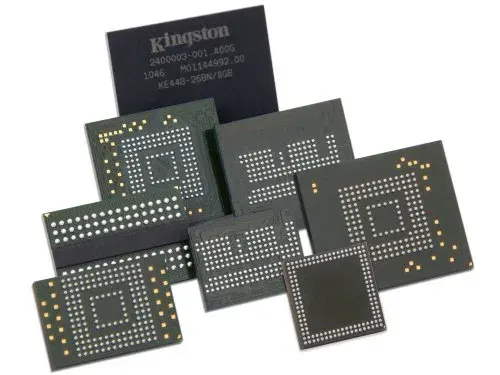
Non-volatile memory chips (arranged in SLC, MLC, TLC, or QLC cells) that retain digital data even when the power is turned off.
SSD Controller
The "brain" or management unit that oversees data processing, reads and writes, error correction code (ECC), wear leveling, garbage collection, and host interface coordination.
DRAM Cache
Temporary volatile memory used for caching file tables, mapping data (Flash Translation Layer), and speeding up random read and write operations (though some budget drives are DRAM-less).
Firmware
Embedded software running on the controller that dictates how the drive manages data blocks, garbage collection, and lifespan optimization.
Interface / Connector
The physical and logical standard that connects the SSD to the host system—such as SATA, PCIe, or NVMe.
Power Management Modules
Integrated circuits that regulate and distribute clean, stable power to the internal components.
Temperature Sensors / Thermal Controllers
Hardware parts that monitor heat generation and throttle performance or run cooling elements to prevent overheating
Encryption Engines
Dedicated hardware circuitry that handles real-time data encryption and security features.
Printed Circuit Board (PCB)
The main circuit board that houses and electrically connects all of the individual chips and components.








