

Solid State Drive (SSD) Repairs
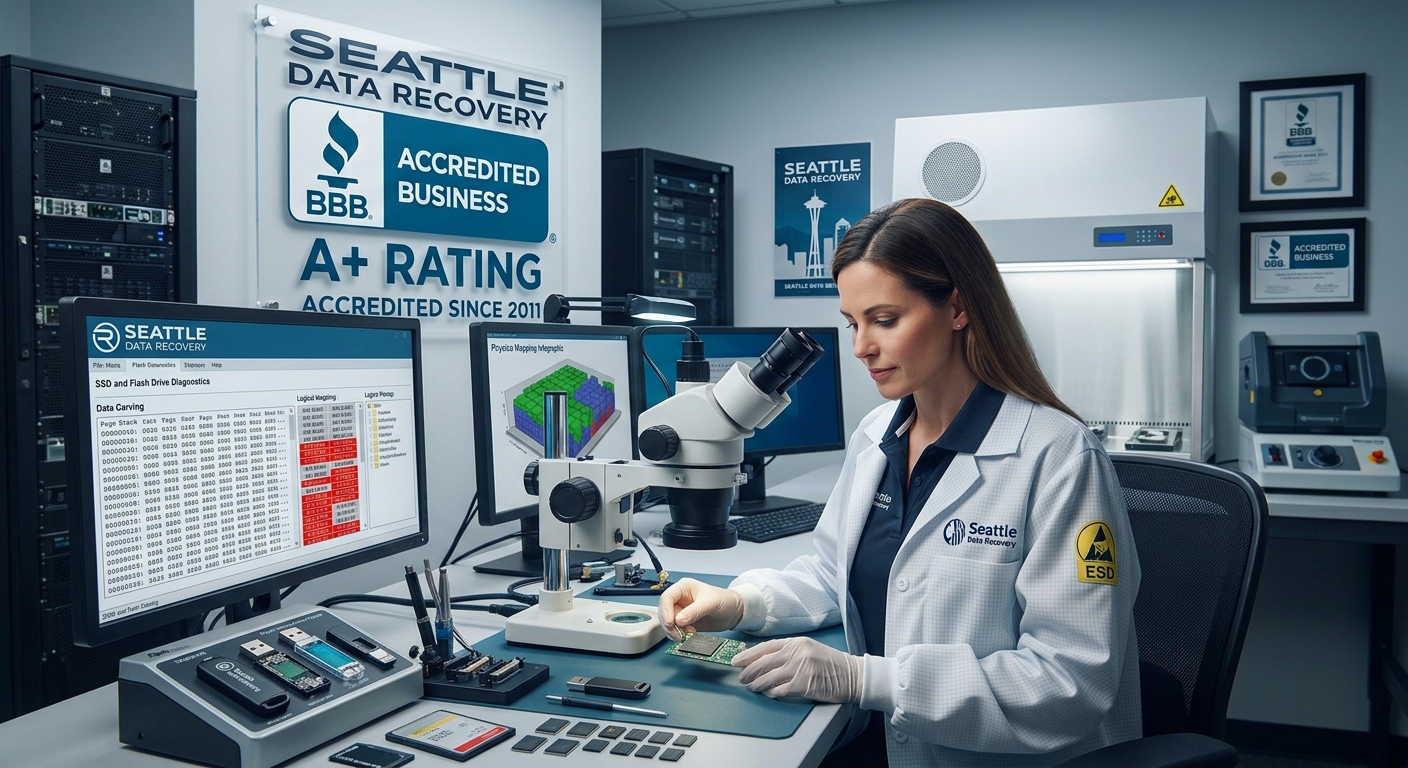
Understanding the Chip-Off Method
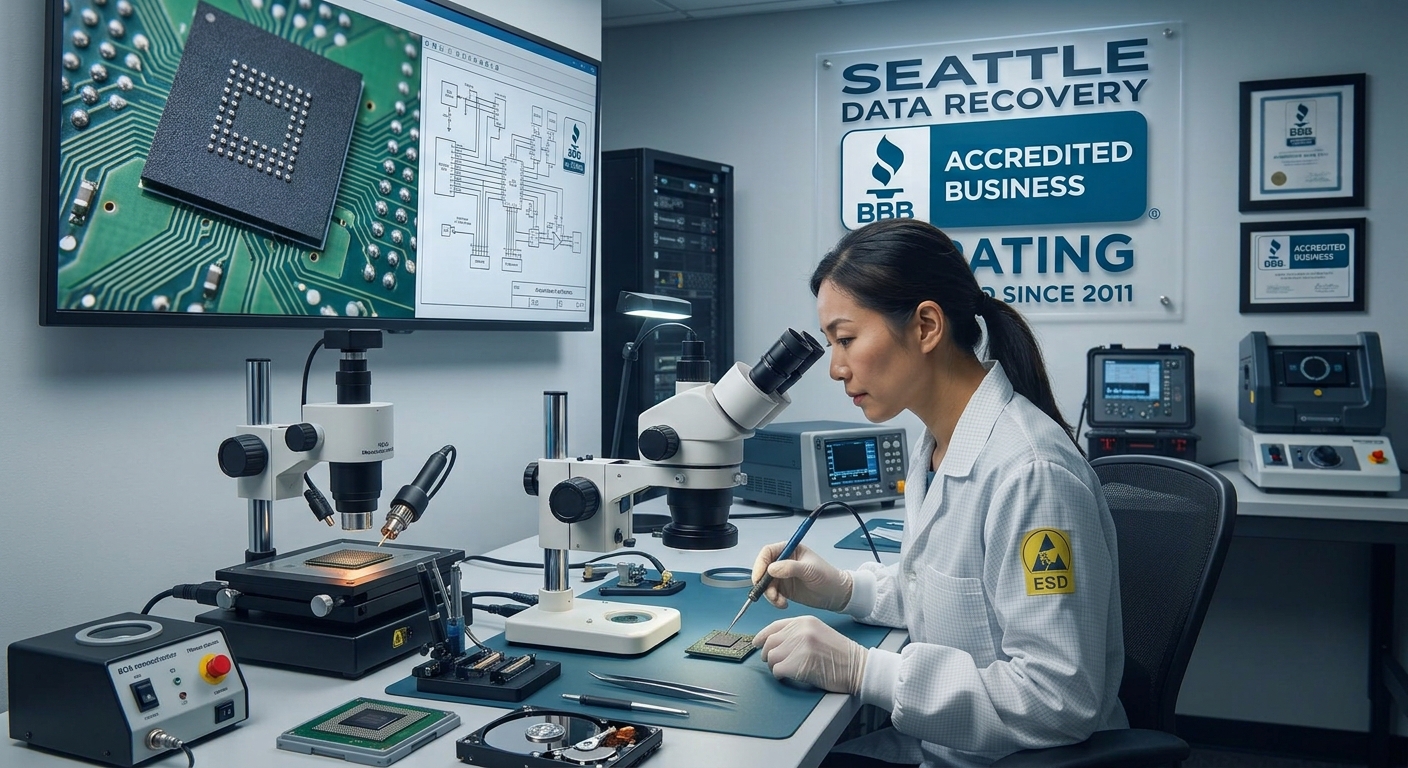
The Laboratory Workflow:
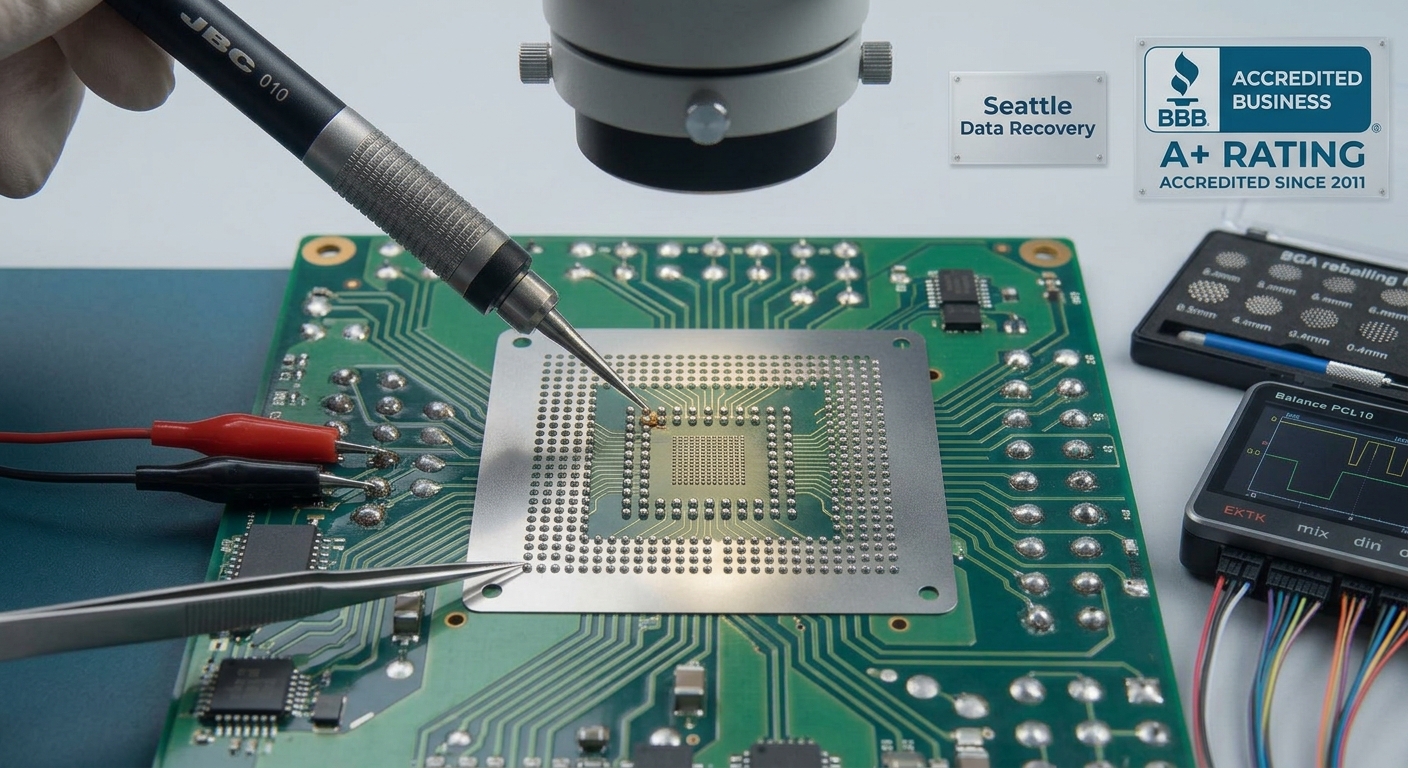
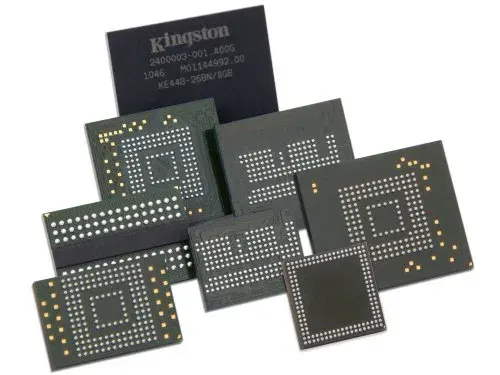
- Precision Desoldering: The damaged board is mounted under an industrial microscope. Using infrared BGA (Ball Grid Array) rework stations or high-end hot-air tools, the engineer heats the board to the exact solder melting point without overheating the sensitive silicon inside the memory chip.
- Safe Extraction: Using specialized micro-prying tools, the engineer lifts the NAND flash chip away from the dead circuit board.
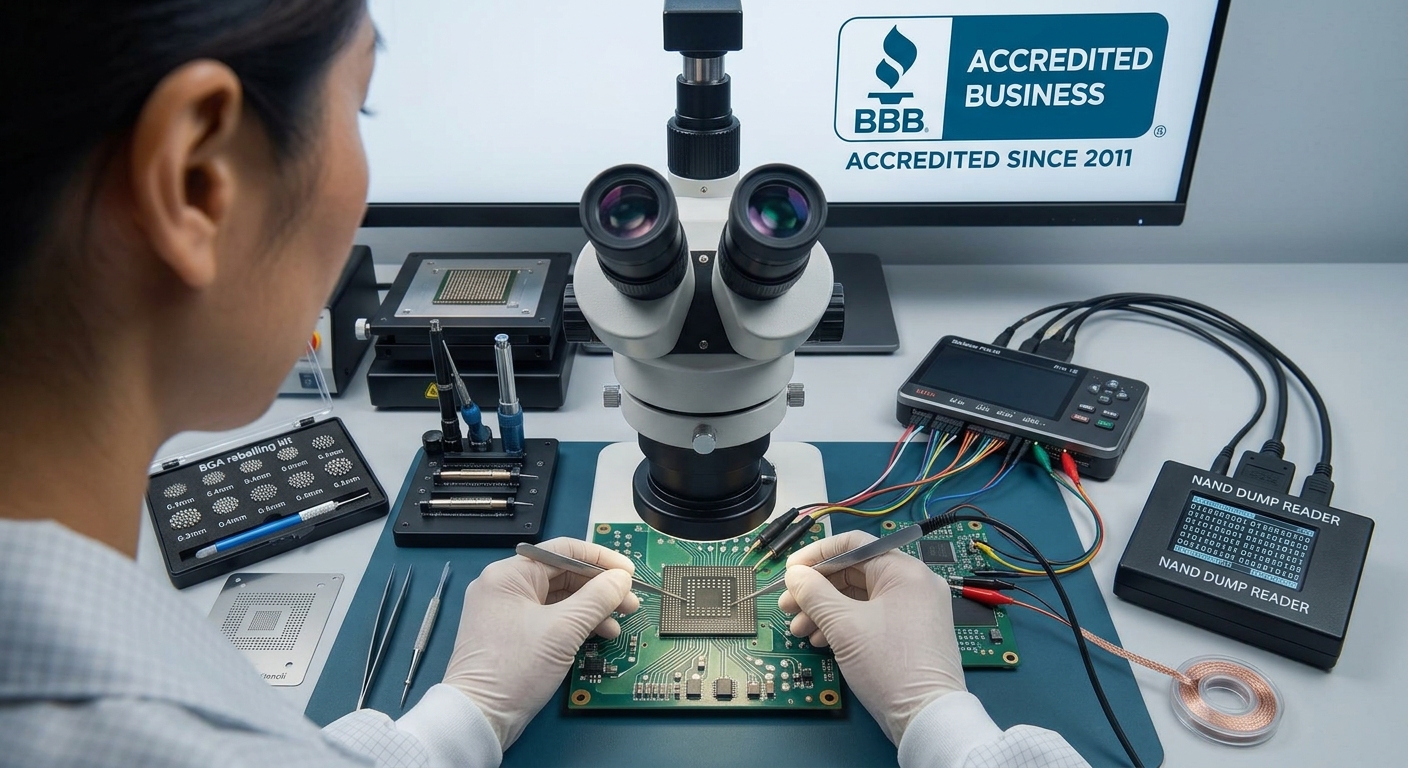
- Chemical Cleaning & Reballing: Residual factory adhesive and oxidized solder are meticulously cleaned from the chip's microscopic contact pads using chemical solvents. If necessary, the chip is "reballed" with fresh solder spheres to ensure perfect electrical connectivity.
- Direct Hardware Reading: The isolated NAND chip is placed into a specialized physical socket adapter connected to a raw memory reader, completely bypassing the original device architecture.
The Art of Bypassing the Controller
- Bypassing XOR Scrambling: To protect the memory and ensure high performance, controllers "scramble" data using unique mathematical XOR patterns. The recovery specialist must identify the exact algorithm used by that specific controller brand (e.g., Silicon Motion, Phison, Marvell) and apply a reverse pattern to unscramble the data.
- Reconstructing Bad Block Management: Flash memory naturally degrades. The controller constantly moves data out of failing blocks and hides them from the operating system. Engineers must manually reconstruct these map tables so files don't end up with random, corrupted gaps.
- Emulating Wear Leveling (The Page Allocation Table): Controllers do not save files in a straight line; they scatter pieces of a single file across multiple physical chips to prolong the drive's lifespan. Bypassing the controller means manually calculating the "logical block address" (LBA) to stitch the scattered pieces of your databases, videos, or records back into their original, perfect file structures.
The Hardware Encryption Challenge: Apple Silicon & Modern NVMe
- Details
- Written by: Seattle Data Recovery
- Category: Solid State Drive (SSD) Data Recovery
The Pervasive Challenge of Data Loss and Recovery
In today's digital landscape, data loss is an inevitable challenge faced by individuals and businesses alike — whether through accidental deletion, hardware failures, or sophisticated malware attacks. As our reliance on digital storage solutions grows, so does the importance of understanding the scope of data recovery needs and the solutions available. Seattle Data Recovery services exemplify the advanced capabilities that address these pressing needs, ranging from simple file restoration to complex RAID and NAS recoveries.
From rescuing cherished photos off corrupt SD cards to recovering entire server arrays, common data recovery scenarios span a broad spectrum. This blog post explores the multifaceted nature of data recovery, prevalent causes, and highlights the prominence of popular SSD models that shape today's storage environment. Along the way, we provide a comprehensive guide that addresses recovery methods, challenges, and industry-leading solutions.
The Spectrum of Common Data Recovery Needs
Data loss rarely follows a single narrative. Instead, it emerges from a blend of human error, technology failures, and cyber threats. Among the most frequent recovery requirements are retrieving accidentally deleted files, salvaging data from failing or crashed hard drives—including both HDDs and SSDs—recovering photos and videos from SD cards, and restoring data following operating system failures or software corruption.
People require solutions for everything from recovering a single lost document to performing intricate restorations of RAID, NAS, or server environments. These differences underscore the need for flexible recovery strategies that encompass both software tools for logical data recovery and professional services for physical recovery cases.
Unpacking Common Scenarios Encountered in Data Recovery
The first step toward successful data recovery is comprehending the typical scenarios that prompt recovery efforts. Accidental deletion or formatting is perhaps the most common, often involving files mistakenly removed from the Recycle Bin or disks reformatted without backups. Beyond these, hardware failures such as damaged hard drives, malfunctioning SSDs, or corrupted phone storage demand specialized intervention.
Software issues contribute equally to data loss. Corrupted file systems, failed operating system installations, or system crashes can render essential data inaccessible. Malware or virus attacks further complicate recovery by encrypting or deleting files, locking users out of their valuable information. Additionally, multimedia-focused recovery for photos and videos, particularly from cameras and mobile devices, is a frequent request. Lastly, complex scenarios such as RAID, NAS, and virtual machine recovery underscore the growing sophistication of enterprise storage needs.
- Details
- Written by: Seattle Data Recovery
- Category: Solid State Drive (SSD) Data Recovery
The Unexpected Pain of Data Loss
We've all been there — that moment of dread when an important file seems to vanish into thin air. Whether it's treasured family photos that slipped through the cracks or critical work documents suddenly inaccessible, data loss disrupts our lives in profound ways. Fortunately, Seattle Data Recovery experts and cutting-edge SSD technology work together to ease this daunting challenge.
Over the next few thousand words, we'll explore the most common data recovery needs, typical scenarios that cause data loss, and the evolution of SSDs that keep our data safer and speedier. We'll weave through everyday mishaps and complex failures, shining light on how both software solutions and professional services help restore what was lost—often just when you need it most. Along the way, you'll get to know popular SSD models that have transformed storage performance over the past decade.
Common Data Recovery Needs: More Than Just Deleted Files
At the heart of every data recovery story is a basic desire: reclaim what was unintentionally lost. The most frequent cause? Human error, hands down. Whether accidentally deleting files, formatting drives without a backup, or pushing a phone to its limit, data can disappear in the blink of an eye.
But the needs don't stop there. Seattle Data Recovery professionals regularly assist with far more complex situations as well. Recovering data from failing or crashed HDDs and SSDs, retrieving precious photos and videos from SD cards, and fixing corruption caused by malware or operating system failures represent crucial areas of expertise. Sometimes it involves just a single file; other times, an entire RAID or NAS system needs to be resurrected.
In essence, data loss spans a wide spectrum—from everyday mishaps to technical nightmares—each demanding tailored approaches and solutions.
The Painful Scenarios: Understanding Why Data Goes Missing
Data recovery needs often arise in scenarios that feel frustratingly familiar:
Accidental Deletion & Formatting: It's shocking how quickly a mistaken click can empty precious files from the Recycle Bin or wipe an entire drive via formatting. Even seasoned users experience this.
Hardware Failure: Drives, whether HDDs, SSDs, USB drives, or phone memory, are physical devices prone to wear, unexpected drops, or lightning strikes. When they fail, the inside components may stop spinning, or flash chips become unreadable, putting data at risk.
Software Issues: Faulty updates, corrupted file systems, or botched operating system installations can leave data stranded, inaccessible behind error messages and crashes.
Malware & Virus Attacks: Malicious software doesn't just disrupt usage. Ransomware can encrypt entire drives; viruses may erase or corrupt files, making recovery urgent and delicate.
Notably, photo and video recovery from devices like cameras or SD cards often holds emotional significance—restoring memories, not just files, which adds an invaluable dimension.
- Details
- Written by: Seattle Data Recovery
- Category: Solid State Drive (SSD) Data Recovery
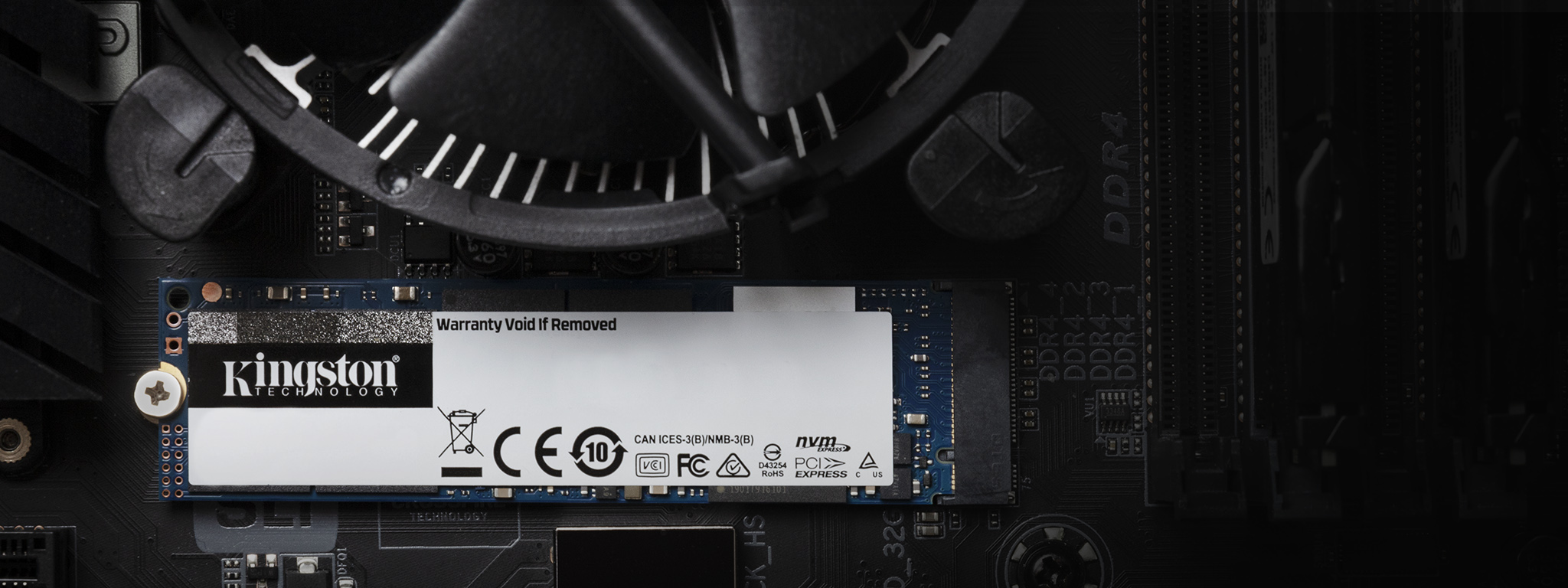
Introduction to M.2 SSDs
In today's high-tech landscape, M.2 SSDs (Solid State Drives) have emerged as the go-to option for speed and efficiency. With their compact size, these drives are particularly popular in laptops, notebooks, and other portable devices. Data storage needs have evolved as technology progresses, leading to the widespread adoption of M.2 form factors. Users prefer them not only for their modern design but also for their impressive performance. However, like any storage device, they are not immune to data loss, prompting a demand for professional data recovery services, particularly in Seattle.
The efficiency of M.2 SSDs, especially NVMe (Non-Volatile Memory Express) drives, cannot be overstated. They deliver faster data access and transfer speeds than traditional hard drives and earlier SSD models. Despite their advantages, users often face challenges from accidental deletions, software malfunctions, and even physical damage—hence the crucial role of data recovery experts. Seattle Data Recovery stands at the forefront of this field, equipped to restore files and provide hope to those grappling with data loss.
Understanding the M.2 Form Factor
M.2 drives represent a significant shift in storage device design. Unlike traditional 2.5-inch SSDs, M.2 drives utilize a slim, rectangular shape that fits seamlessly into modern computing devices. This form factor is engineered to save space while delivering power and performance. M.2 drives can connect through SATA or NVMe interfaces, with NVMe exhibiting superior speeds. Understanding the distinction between these two options is essential, as it impacts performance and recovery strategies should data loss occur.
Furthermore, M.2 drives feature varying capacities, accommodating everything from minimalist setups to high-capacity storage solutions. Their availability in micro and full-length cards opens doors for versatility in design, making M.2 SSDs attractive for technology enthusiasts and average users. Yet, despite their benefits, the inherent risks, such as data corruption, underscore the necessity for professional data recovery services to mitigate potential data loss.
The Risk of Data Loss: Why It Matters
Data loss is an urgent issue that can arise from various circumstances, impacting businesses and individuals alike. While technology is advancing rapidly, the vulnerabilities of storage devices like M.2 SSDs continue to pose challenges. Accidental deletions, driven by human error and software glitches, rank among the most common causes of data loss. When such events transpire, the first instinct may be to seek immediate solutions, which can lead to further complications. Properly understanding the risks is foundational for effective data recovery.
Notably, the potential for physical damage amplifies these risks. Users may inadvertently drop, spill, or otherwise compromise their SSDs, rendering them unreadable. In such instances, attempting to recover files without professional assistance may worsen the likelihood of data retrieval. Data recovery experts from Seattle Data Recovery emphasize that engaging their services early can be a game-changer. With the right tools and clean room facilities, they maximize the chances of restoring precious data while protecting the integrity of the damaged unit.
Read more: Restoring Hope: Seattle Data Recovery Recovers Lost Files from Damaged M.2 SSDs
- Details
- Written by: Seattle Data Recovery
- Category: Solid State Drive (SSD) Data Recovery
The Challenge of Samsung 960 Pro SSD Data Recovery in Washington State
Data loss is a dreaded scenario for any computer user, especially when it involves high-performance storage devices like the Samsung 960 Pro SSD. These NVMe drives, popular in Washington State and beyond for their blazing speeds and reliability, pose unique challenges for data recovery. Seattle Data Recovery stands at the forefront, offering comprehensive solutions to restore complete folders and file directories from these sophisticated devices.
While recovering files from traditional hard drives often follows predictable procedures, the internal architecture and technology of the Samsung 960 Pro complicate matters significantly. This blog delves deeply into why such recovery is complex, the factors that magnify these challenges, and how Seattle Data Recovery leverages specialized techniques and expertise to reclaim data others deem lost.
Understanding the Samsung 960 Pro SSD Architecture
The Samsung 960 Pro SSD is renowned for its advanced NVMe interface and a proprietary controller that enhances speed and efficiency. This controller manages how data is written, stored, and accessed on the NAND flash memory chips. Unlike conventional SSDs, the 960 Pro's architecture is not only sophisticated but also tightly integrated with hardware encryption and firmware designed to optimize performance.
Such complexity brings benefits but also challenges. When the controller fails or the firmware becomes corrupted, direct access to stored data is blocked. The proprietary design means that general data recovery software or tools are ineffective. As a result, retrieving data requires specialized equipment and a thorough understanding of the 960 Pro's internal workings—a realm where Seattle Data Recovery excels.
Controller Chip Failures – The Heart of the Recovery Challenge
One of the most frequent culprits behind inaccessible data on Samsung 960 Pro SSDs is controller chip failure. This chip serves as the command center of the drive, orchestrating read and write processes. Physical damage can result from overheating, sudden power surges, or accidental impacts. Additionally, firmware corruption within the controller may occur due to software glitches or hardware malfunctions.
When the controller fails, traditional data access pathways close, rendering the drive unreadable by standard means. Seattle Data Recovery employs advanced diagnostic tools and proprietary hardware interfaces to circumvent the malfunctioning controller. This approach involves extracting raw data directly from NAND chips and meticulously reconstructing file systems—a process that requires not only precision but also significant expertise.
Overcoming Firmware Corruption Hurdles
Firmware corruption presents another layer of complexity in Samsung 960 Pro recovery scenarios. Firmware controls the drive's operations, including error handling, bad block management, and communication protocols with the host system. A corrupted firmware may result in erratic drive behavior, mimicking hardware failure symptoms, or total inaccessibility.
Seattle Data Recovery in Washington State uses state-of-the-art firmware imaging and repair techniques. By restoring or replacing defective firmware modules, their labs restore the drive's logical structure, enabling previously inaccessible data to surface. This aspect of recovery demands both proprietary software and a deep understanding of Samsung's firmware architecture, underscoring why Seattle Data Recovery remains a trusted name in such challenging recoveries.
- Details
- Written by: Seattle Data Recovery
- Category: Solid State Drive (SSD) Repairs
Ensuring Data Integrity with Advanced Firmware Management
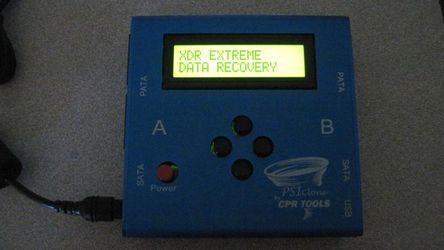
In today's data-driven world, enterprise storage solutions must operate at peak performance to support critical business functions. Whether it's cloud computing, large-scale virtualization, or vast data repositories, the integrity and functionality of SSDs are central to maintaining seamless operations. That's where Seattle Data Recovery's expertise in firmware repair becomes invaluable, especially when dealing with complex issues like firmware corruption on HPE Kioxia enterprise SSDs. Through state-of-the-art tools like PSIClone and CPR Flash from CPR Tools, Seattle Data Recovery provides a professional and reliable approach to firmware management and recovery, minimizing downtime and protecting vital data assets.
Firmware issues in enterprise SSDs can be devastating, often resulting in drive failure, data inaccessibility, or even total server crashes. By deploying innovative solutions like CPR Flash™ and leveraging their extensive firmware storage, Seattle Data Recovery helps organizations preempt these issues, ensuring stable, high-performance storage environments. This article examines how these tools function, their significance in firmware repair, and the role Seattle Data Recovery plays in ensuring enterprise storage reliability.
The Critical Role of Firmware in Enterprise SSDs
Firmware functions as the "operating system" of SSDs. It manages every aspect of drive operation, from data handling to error correction and communication with host systems. In enterprise SSDs such as those from HPE or Kioxia, firmware stability is paramount, as even minor bugs can cause significant disruptions. Firmware corruption occurs when these software instructions become damaged or inconsistent, often due to power failures, software conflicts, or aging hardware components.
When firmware becomes corrupted, the consequences can be severe. It may cause the SSD to become unresponsive or enter safe mode, drastically reducing performance or making it completely inaccessible. Such failures threaten not just data loss but also the overall stability of enterprise networks. Therefore, maintaining firmware integrity through timely updates and repairs is essential for organizations aiming to ensure reliable data storage solutions.
The Necessity of Firmware Repair in Data Center Environments
In mission-critical environments, firmware-related issues are more than mere inconveniences; they can bring entire business operations to a halt. For example, a failed firmware update or corruption of HPE Kioxia enterprise SSD firmware can lead to drive crashes, data inaccessibility, or RAID rebuild failures. These challenges can cascade, resulting in network outages, data loss, and prolonged downtime.
Addressing such issues promptly requires specialized tools and techniques. Firmware repair is often complex because it involves rewriting or restoring low-level software components embedded within the SSD. When software-based solutions fail, professional interventions—like those provided by Seattle Data Recovery—become necessary. Their expertise ensures that firmware repair is performed correctly, restoring drives to a healthy, operational state without risking further damage or data loss.
Read more: Seattle Data Recovery Uses CPR Tools to Perform Firmware Repairs on HPE Kioxia SSDs
- Unrecognized Disk Errors and SSD Failures: A Comprehensive Guide
- Enterprise Data Integrity and System Stability: Firmware Repair for Dell Samsung Enterprise SSDs with Seattle Data Recovery’s Advanced Tools
- The Evolution of High-End SSDs: A Decade of Speed, Innovation, and Performance Breakthroughs
- Seattle Data Recovery’s Enterprise SSD Firmware Updates
Subcategories
Solid State Drive (SSD) Data Recovery
1. Consumer & Prosumer NVMe M.2 SSDs
- Samsung 980 Pro / 990 Pro Series: The most prevalent high-end NVMe drives on the market. Popular in labs due to sudden controller lockouts (often caused by critical firmware bugs or translation layer corruption) where the drive identifies by its internal factory alias rather than its true capacity.
- Crucial P-Series (P3, P5 Plus) & T-Series (T700 Gen5): Widely used for storage expansion. High-speed Gen5 drives generate immense heat, which can lead to premature component degradation, requiring specialized thermal reflow work or controller-bypass protocols.
- Western Digital Blue/Black NVMe (SN570, SN770, SN850X): Standard equipment across thousands of commercial and residential systems. Labs frequently treat these for translation layer (translator) allocation failures, where the drive loses track of how files are distributed across the physical flash blocks.
2. Apple Silicon & Board-Soldered NAND Flash
- Apple M-Series Integrated Storage (M1, M2, M3, M4 MacBooks): Because the NAND flash storage chips are permanently soldered directly onto the main logic board, standard extraction is impossible. If the logic board suffers a catastrophic electrical short, physical damage, or liquid spill, labs must perform advanced chip-off recovery [6a7e13c3].
- The Technical Process: Engineers carefully desolder the raw NAND chips using precise infrared or hot-air rework stations [6a7e13c3]. Because the data is hardware-encrypted by the Apple Secure Enclave processor, the chips must either be read via a donor board or reconstructed through raw hardware chip readers [6a7e13c3], making this one of the most technical and sought-after services.
3. Professional Portable & Creative Production SSDs
- SanDisk Extreme Portable / Pro SSDs: Extremely popular among photographers and videographers. These drives are frequently seen in labs due to hardware design vulnerabilities, such as fractured solder joints on internal components or complete controller shorts that require meticulous trace repair under a microscope.
- Samsung T-Series (T7, T7 Shield, T9): The standard field drive for content creators. While physically ruggedized, they frequently experience physical port shear (broken USB-C interfaces) or internal encryption controller lockouts.
- LaCie Rugged SSD & Rugged Pro: Built for extreme environments, but still vulnerable to sudden electrical surges or file system corruption over Thunderbolt connections, requiring internal bridge-board bypass procedures.
4. Enterprise, Datacenter & Server-Grade SSDs
- Intel / Solidigm D7 & D5 Series (e.g., P5510, P5316): Heavy-duty PCIe NVMe drives used in enterprise data centers for cloud storage and massive database logging. They feature complex power-loss protection (PLP) circuitry that can fail during sudden facility power drops, requiring micro-level capacitor replacement.
- Samsung Enterprise Series (PM9A3, PM1733): High-density U.2/U.3 and E1.S form-factor drives designed for enterprise server blades. Recovery involves navigating deeply proprietary enterprise firmware layouts and complex multi-channel controller configurations.
- Micron 7450 / 9400 Series: Heavily deployed in corporate network environments. These drives are brought to specialized laboratories when their internal wear-leveling algorithms or block-management structures become corrupted under massive, non-stop read/write loads.
NAND Flash Memory
Non-volatile memory chips (arranged in SLC, MLC, TLC, or QLC cells) that retain digital data even when the power is turned off.
SSD Controller
The "brain" or management unit that oversees data processing, reads and writes, error correction code (ECC), wear leveling, garbage collection, and host interface coordination.
DRAM Cache
Temporary volatile memory used for caching file tables, mapping data (Flash Translation Layer), and speeding up random read and write operations (though some budget drives are DRAM-less).
Firmware
Embedded software running on the controller that dictates how the drive manages data blocks, garbage collection, and lifespan optimization.
Interface / Connector
The physical and logical standard that connects the SSD to the host system—such as SATA, PCIe, or NVMe.
Power Management Modules
Integrated circuits that regulate and distribute clean, stable power to the internal components.
Temperature Sensors / Thermal Controllers
Hardware parts that monitor heat generation and throttle performance or run cooling elements to prevent overheating
Encryption Engines
Dedicated hardware circuitry that handles real-time data encryption and security features.
Printed Circuit Board (PCB)
The main circuit board that houses and electrically connects all of the individual chips and components.








